Frog Jump
Pathfinding, not luck alone
You choose the next landing. The climb feels personal because every hop is a small decision.
Frog Jump
A casual arcade climber where every hop is a choice — steer the frog, read the platforms, and keep the ascent alive.
Frog Jump is a fast, readable arcade climber. Each round is a short ascent across a living pond — stones, logs, lily pads, and flower platforms stacked into a vertical playground.
You steer left and right, decide which platform to trust next, and keep the climb going for a stronger score. Simple to start, lively to master.
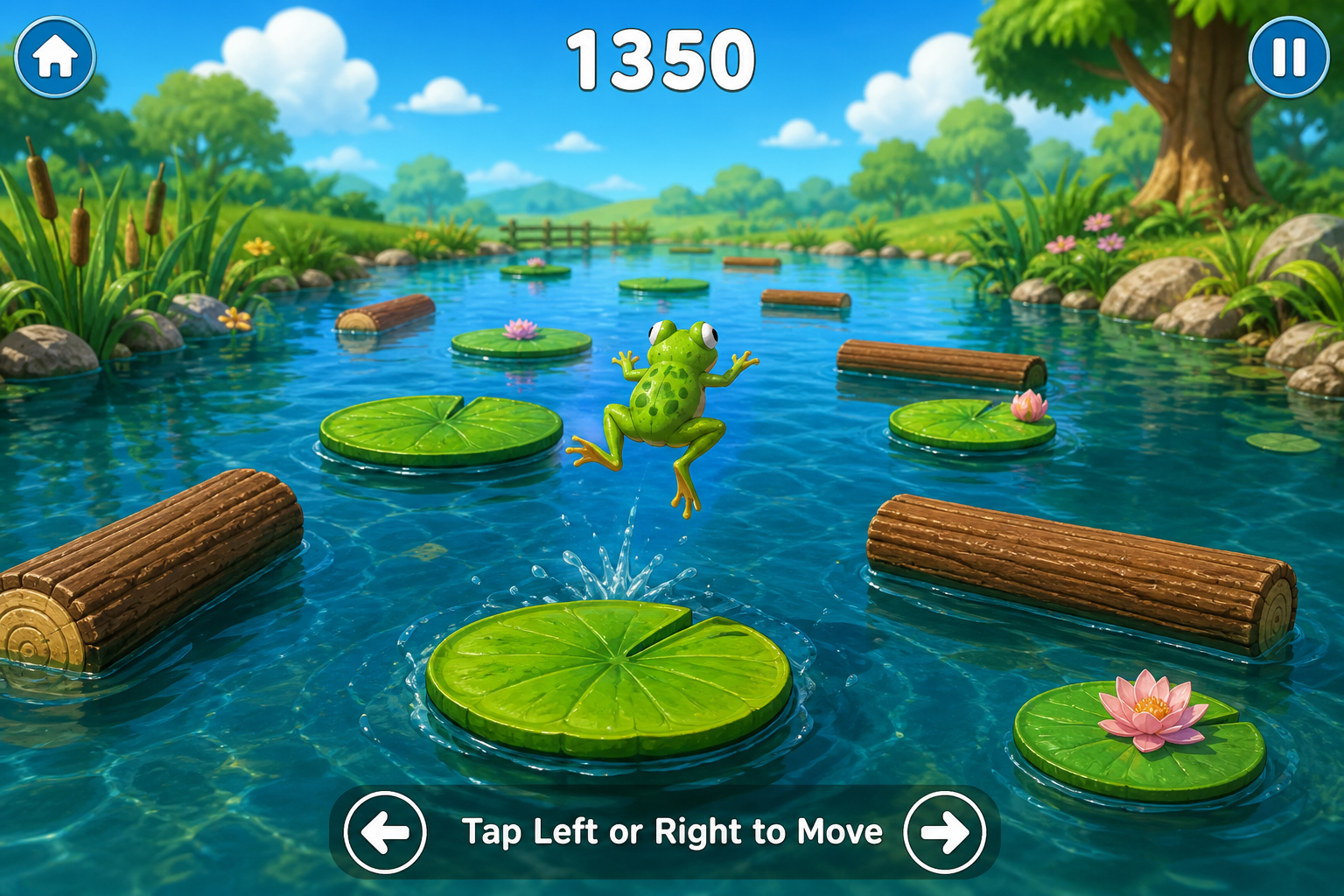
Three moves. Endless routes. One goal: keep climbing.
Move with arrow keys, A/D, or on-screen taps. Timing and positioning matter more than speed alone.
Platforms sit at different heights and widths. Scan ahead, commit to a line, and adjust mid-air when the pond shifts.
Every clean landing extends the run. Miss a hop and the ascent ends — then jump straight back in for another route.
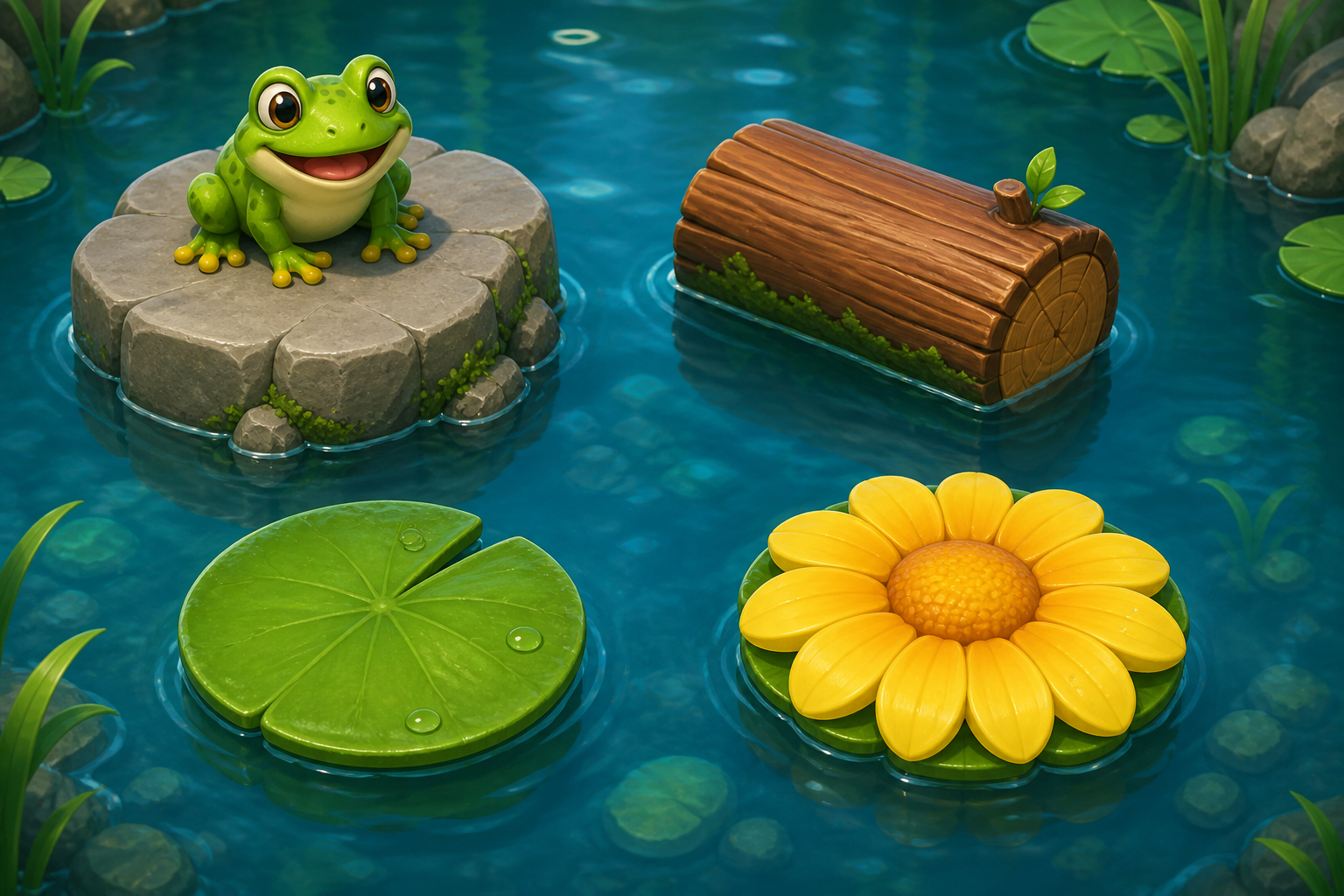
The pond is made of distinct stepping stones. Learning their look helps you plan a smoother climb.
Snapshots from a sunny climb through the pond.
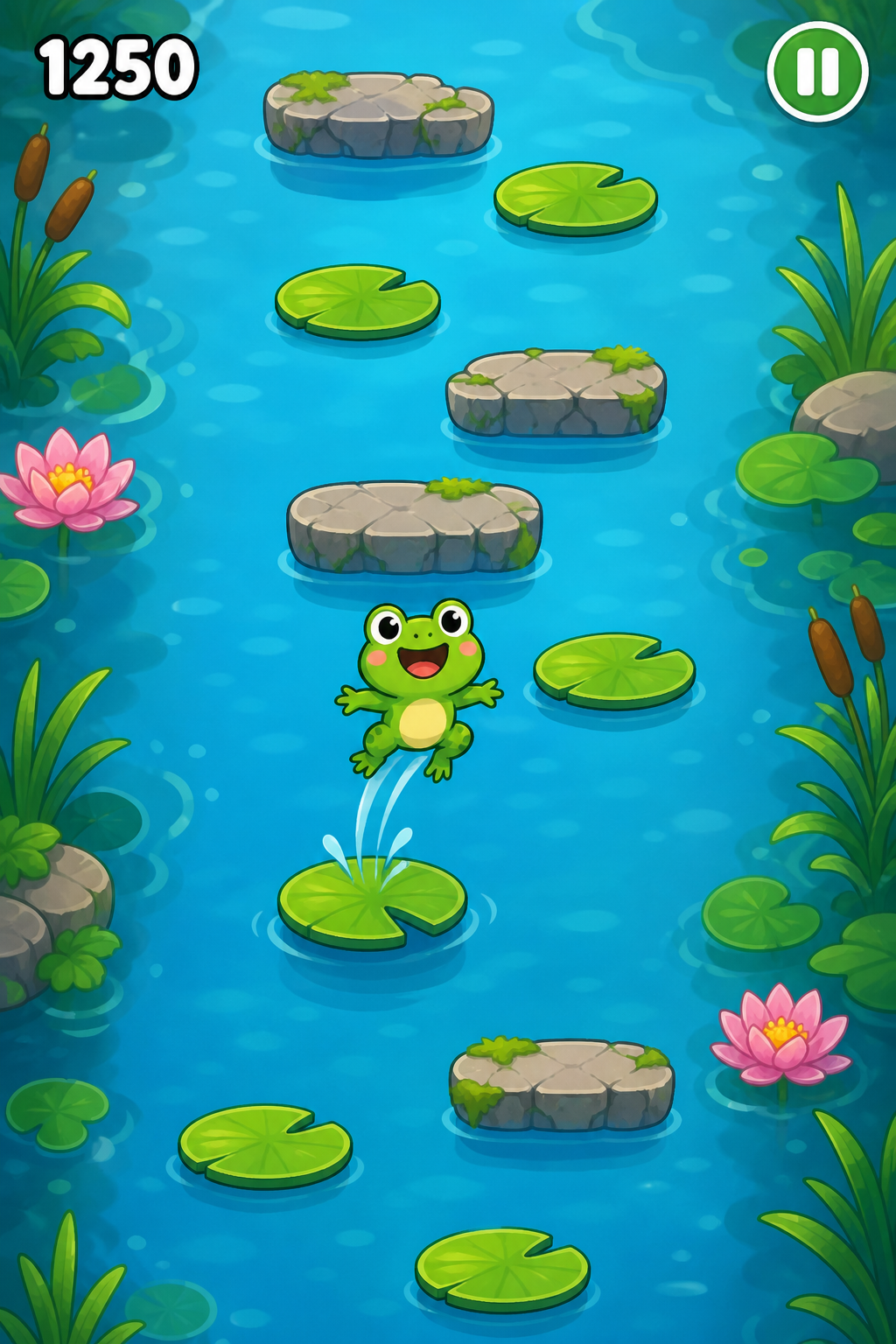

Built for quick sessions and readable decisions.
You choose the next landing. The climb feels personal because every hop is a small decision.
Bold colors and clear silhouettes make platforms easy to track on phone or desktop.
Jump in, climb for a stretch, and restart without a long setup. Perfect for a few minutes of play.
Quick answers about this casual arcade overview.
Yes. Movement, timing, and route choice drive each climb. The longer you land clean hops, the higher your score can go.
Frog Jump is designed as a modern HTML5-style arcade experience for desktop and mobile browsers, with tap or keyboard controls.
No. This is an independent gameplay overview with screenshots and tips. It does not sell accounts, currencies, or downloads.
Players who enjoy light platformers, vertical climbers, and colorful casual arcade games with quick restarts.
Browse the gallery again, review the platforms, then practice your own route decisions in the game client you prefer.